Getting Started
To work effectively with AI coding agents at Modus Create, your first step is setting up GitHub Copilot Agent inside Visual Studio Code.
-
Install Visual Studio Code: If you’re not already using VS Code, download and install it;
-
Request Your GitHub Copilot Subscription: Modus provides GitHub Copilot licenses for all engineers. Before setting up Copilot, you must request your subscription by opening a ticket at the Modus IT Service Desk Portal;
-
Install GitHub Copilot Extension: Install the GitHub Copilot extension by following the guide at GitHub Copilot for VS Code;
-
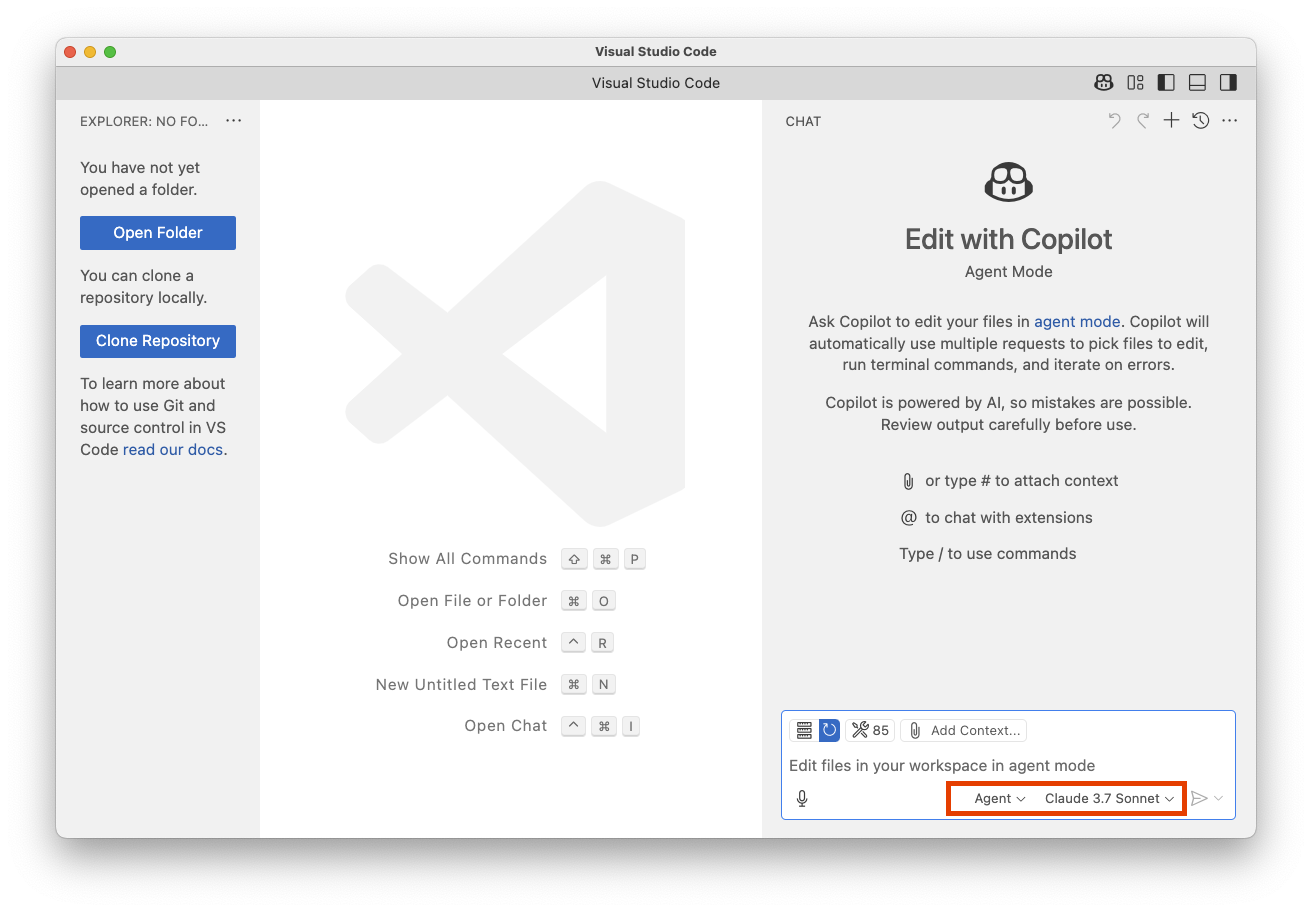
Enable GitHub Copilot Agent Mode: As of April 28th 2025, Agent mode requires to be manually enabled by following the guidance at Copilot Agent Mode Setup;
After going through the above steps, you should be able to see the agent option: